nickng2003
New member
- Joined
- Jan 11, 2024
- Messages
- 13
- Reaction score
- 3
- Location
- Cincinnati, Ohio
- Current Ride
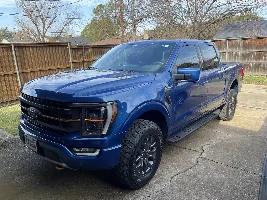
- 2023 F150 Tremor
I wanted to share with everyone the steps required to put my 2023 F150 Tremor in Brake Maintenance mode but more frustrating turn it off. There's a slight nuance to what is posted/videoed out there. Hope to save someone some time a frustration.
The steps to turn on Brake Maintenance Mode (releases the rear electronic parking brake)
1) Turn ignition on (Do not start)
2) Fully press in the gas peddle and press in the parking brake switch. Hold them both.
3) While still holding both, turn the ignition off for ~5 sec then turn back on.
4) Release both gas peddle and parking brake switch.
You should see you are now in Brake Maintenance mode. You can also hear the rear parking brake release. You'll also have other notifications pop up regarding tractions controls.
Now here is where my frustration was. After changing the brakes, you supposedly repeat the steps above, but instead of pushing the parking brake in you pull it out. After many attempts this did not take my truck out of Brake Maintenance Mode. Below is what you need to do to get out of Brake Maintenance Mode:
1) Turn ignition on (Do not start)
2) Fully press in the gas peddle and Pull out the parking brake switch. Hold them both. Then you need to tap the actual break pedal. Just press it with your left foot then release.
3) While still holding both (Gas Peddle and Pulling our the parking brake), turn the ignition off for ~5 sec then turn back on.
4) Release both gas peddle and parking brake switch.
Boom you should be out of Brake Maintenance Mode.