Yeah, someone educated me it also, but I found an easy solution to it. Once you have connected to your truck and have FORScan up and running, click on the box third from the bottom to get to the Configuration and Programming tab as you normally would. BUT, instead of click on SCCM (AS Built Format), click on the one below that doesn't have (AS BUILT format). This page is MUCH easier to read than the other page where you have to change all the codes. On this page, go down and find it...you will see that it is set on 3....double click on it and change it to 5. Then save it by click on Write. That's it!! No codes or knowledge of hex necessary.
Does all that make sense?





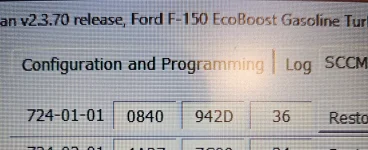


 ….As Tom Hanks said in the movie Road To Perdition, and I feel the same way…..”Math…I’ve always hated it”.